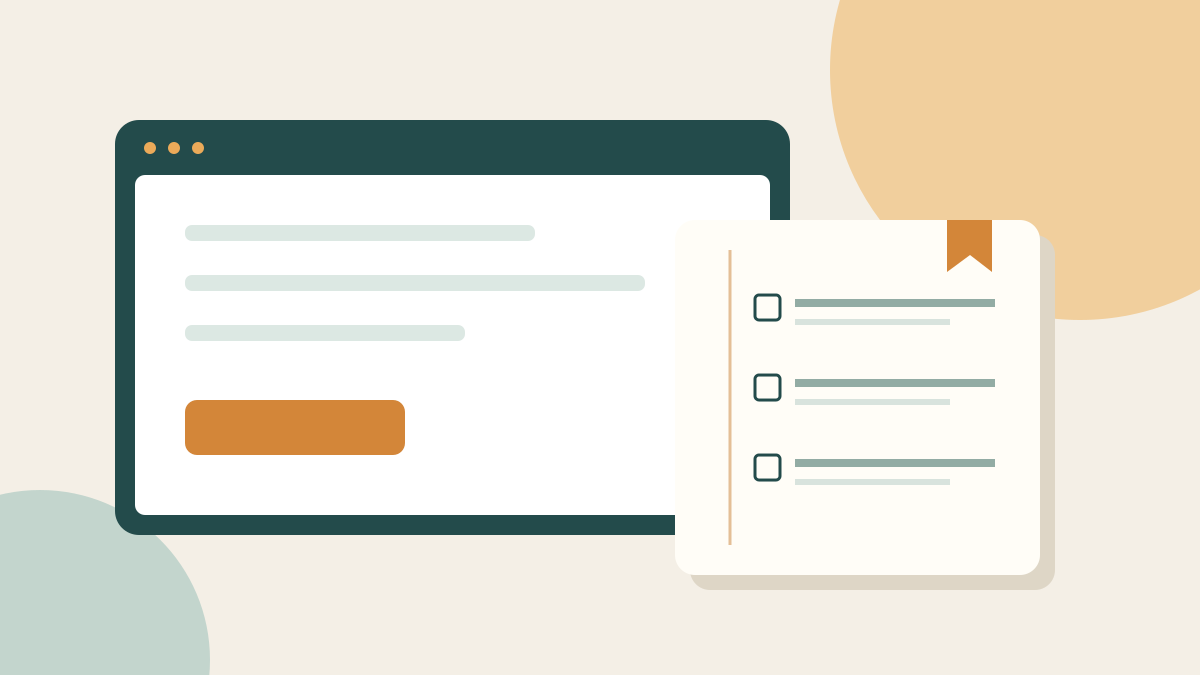
To step away from an unfinished online task, leave yourself a short restart note: what you were doing, where you stopped and the next action. Save only the links you need to resume, then close the tabs you no longer need. This is a practical organising experiment, not a promise of better focus or a requirement to keep a perfectly tidy browser.
An open tab can stand for several different things: a task, a reference, a decision or something interesting you might read. Treating them all as work to finish tonight can make the stopping point unclear. A restart note gives one unfinished task a place to wait without asking you to complete everything first.
Choose one task to park
Start with a task you intend to return to, rather than your entire browsing history. Perhaps you are comparing library events, planning a local outing or gathering ideas for a small creative project. Name the task in plain language. “Choose a Saturday workshop” is easier to recognise later than “Research”.
Decide whether the task still matters. You may discover that you are keeping a page open because it once seemed interesting, not because you want to do anything with it. It is fine to close that page. This exercise is about making a deliberate choice, not creating a second list of obligations.
If you want a broader place for optional ideas, try the Journal's not-now list. Keep tomorrow's actual task separate from things you might explore another season.
Write a three-line restart note
Use a notebook or an ordinary document you already know how to find. The note needs enough context to be useful, but it does not need a full account of your browsing session.
- Task: choose one Saturday workshop within my available time and budget.
- Stopped here: shortlisted two options; have not checked travel time or whether places are available.
- Next action: check the first venue's booking page, then compare the journey before deciding.
Add the relevant links beside the note if you are working digitally. If you use paper, write recognisable page names and where you saved them. Avoid vague instructions such as “finish research”. A useful next action is something you can begin without reconstructing every decision you have already made.
Leave out passwords, payment details and private access links. If the task includes personal information, keep the note in a location appropriate for that information rather than on a shared screen or in a public document.
Give useful links a clear home
Save the small set of pages that supports the next action. A folder named for the task is one option; a short list in the restart note is another. Choose a method you can retrieve, not a complicated system you must maintain.
In desktop Chrome, Google's instructions describe bookmarking a page with the bookmark control beside the address bar. Bookmark Manager supports folders, and bookmarks can be moved into them. These are storage features, not evidence that organising tabs improves wellbeing. See Google's bookmark instructions for the current steps; other browsers have their own controls.
Before closing a page, check whether it contains an unsaved form, draft or booking step. A bookmark records a destination; do not assume it preserves what you typed or a temporary session. Save your work through the service's own controls where available. For an incomplete purchase, revisit the seller's current information later rather than assuming today's price or availability will still apply.
Make a stopping decision
Once the note and necessary work are saved, close the pages that no longer serve a purpose. You can leave essential work open if that is what your circumstances require. There is no target number of tabs and no reward for reaching zero.
Choose a sensible return point, such as your next planned project session. If a date is useful, put one reminder in your existing calendar. Avoid adding reminders for every saved link. The aim is to leave a clear handover to yourself, not to turn leisure reading into an administrative task.
If you share a device, sign out of sensitive services as appropriate. Closing a tab and signing out are different actions. Follow your workplace or household arrangements for shared equipment.
Read the note before reopening everything
When you return, start with the next action you wrote. Open the relevant page and check whether the task still makes sense. Perhaps the event has filled up or your plans have changed. Update or discard the note rather than following it simply because it exists.
After the task is complete, remove the temporary reminder and decide whether the saved links have lasting value. A useful reference can stay; a finished comparison does not have to remain in your everyday workspace.
For example, after choosing a workshop, you might keep the confirmed booking through the provider's normal process and remove the shortlist. If you decide not to attend anything, that is also a finished decision. You do not owe the browser a purchase or a completed project.
Try it once, then adapt
For your first attempt, park one task using the three-line note. At your next session, ask whether you could understand where to restart. If not, make the next action more specific. If the note felt unnecessary, use a shorter version or leave the method behind.
This approach is different from collecting inspiration for later. If that is your main challenge, read saving online inspiration with a purpose. If you want to use the time after closing the browser differently, explore a phone-free pocket of time that fits your day.
A clear stopping point can simply be: the work is saved, the next step is written down, and I am choosing to stop here. Nothing in this exercise requires you to optimise every evening.
Educational note
These are general digital-organising ideas for adults, not medical or psychological advice. No improvement in attention, sleep or mental health is promised. Choose what suits your circumstances and the privacy requirements of the services you use.
Common questions
Do I need a new app for a restart note?
No. Use a notebook or document you can find easily. Include the task, where you stopped and a specific next action. A new app is optional, not part of the method.
Will bookmarking a page save an unfinished form?
Do not rely on that. Save your work using the website’s own controls where available, and check before closing the page. A bookmark is a link, not a guarantee that your entries or session will be restored.
Should I close every tab at the end of the day?
There is no required number. Keep what your work needs, save unfinished work and close pages that no longer have a purpose. Try the method on one task before changing your whole routine.
Sources and further reading
A little inspiration for your inbox.
Discover the next digital deal. Optional emails, with confirmation and unsubscribe.
Get daily deals →